Plain
A very lightweight native Markdown reader and editor.
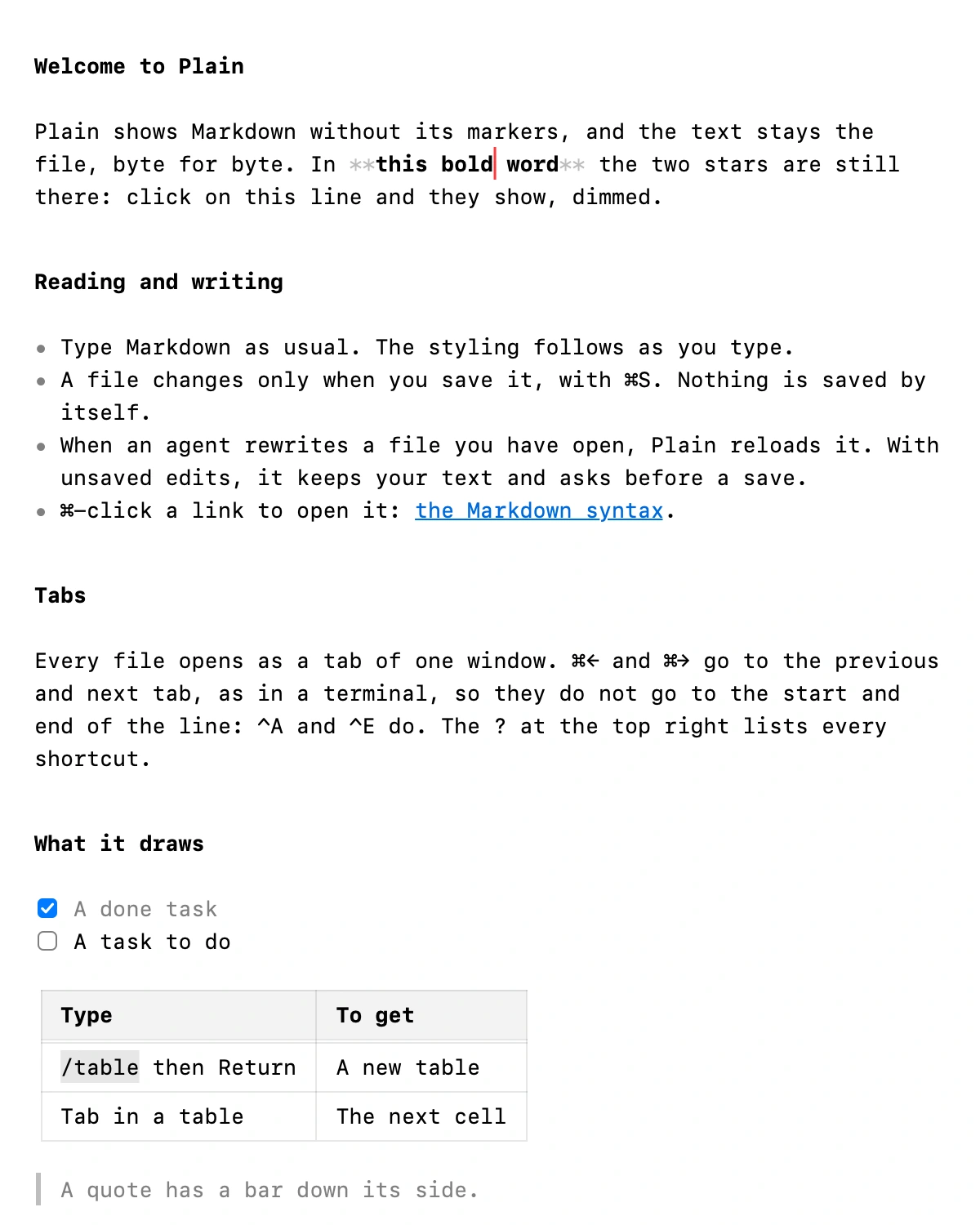
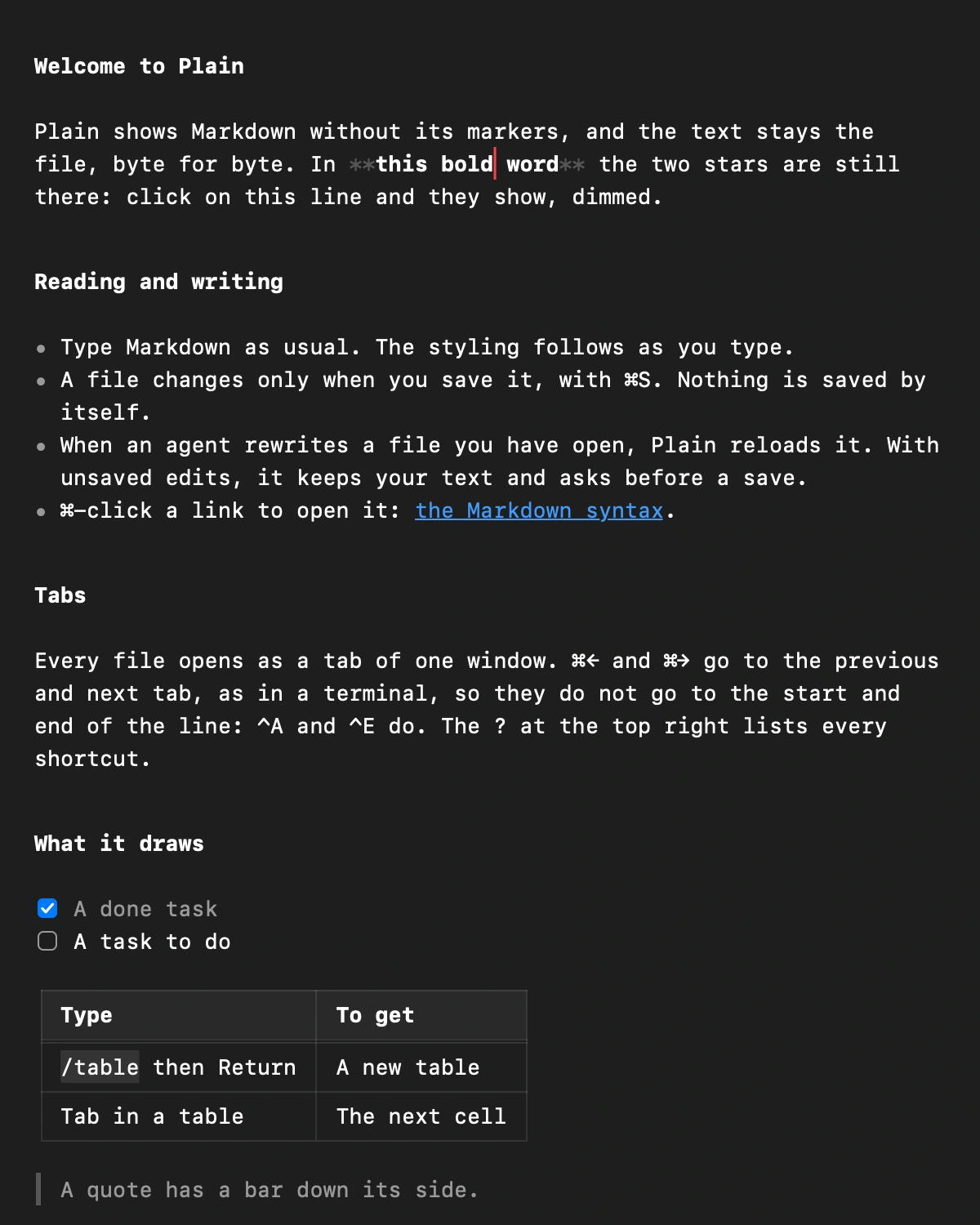
Markdown without the markers
Obsidian struggled to open the 400,000+ Markdown files on my Mac at every start, so I looked for an alternative. I didn't find one, so I built it: a very lightweight native app, to read and to edit.
Plain shows what the stars and hashes mean, not the stars and hashes. They come back on the line you edit, so reading and writing are the same screen. The file stays byte for byte what you typed.
Super fast
Measured on my Mac with its own speed test:
| Measure | Time | Target |
|---|---|---|
| Open a 30 KB file | 32.5 ms | 30 ms |
| Open a 657 KB file | 72.6 ms | 200 ms |
| A key in a 30 KB file | 2.7 ms | 16 ms |
| A key in a 657 KB file | 0.9 ms | 8 ms |
Made for agents
When an agent rewrites a file you have open, Plain reloads it and keeps your place. If you were editing, it keeps your text and asks before a save can overwrite theirs.
And when something breaks, ask your agent to run Plain --feedback, and it files the bug report for you.
Keyboard first
⌘← and ⌘→ switch tabs, like in Ghostty. ⌘B, ⌘I and ⌘K for bold, italic and links, ⌥⌘1 to ⌥⌘6 for headings. ⌘/ lists every shortcut.
Tables that line up
Type /table and press Return. Tab moves between cells, and ⌥⌘L aligns the columns in the file itself.